Why Choose HMRC-Recognised Self Assessment Software for Accountants?
 Team Nomi
6 minutes read
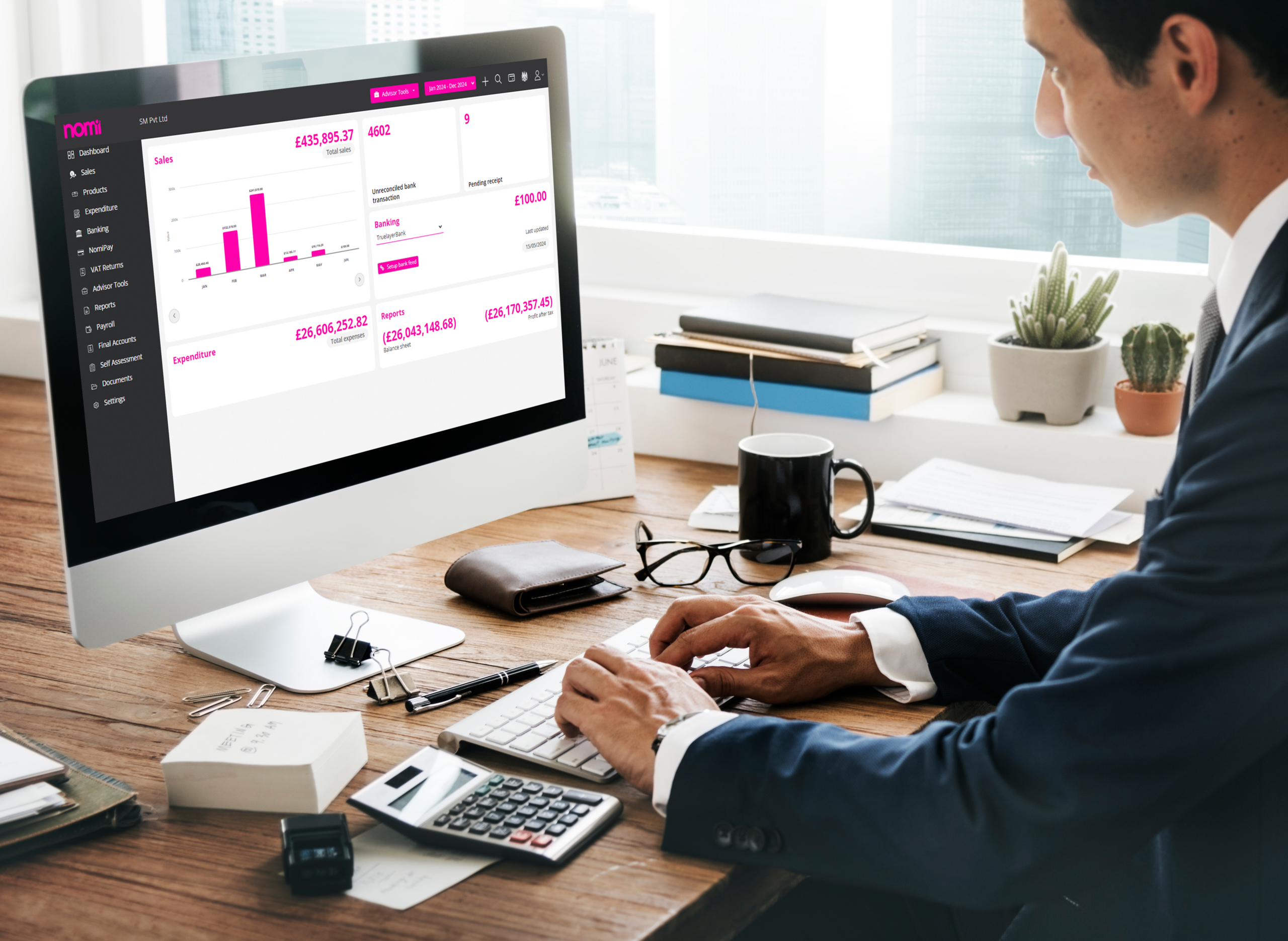
Managing Self Assessment tax returns can be challenging, especially for accountants handling multiple clients and tight HMRC deadlines. Manual calculations, paperwork, and chasing client information can make the process time-consuming and increase the risk of errors.
According to HMRC, around 12 million people are required to file a Self Assessment tax return each year, and more than 97% of returns are now submitted online, highlighting the growing shift towards digital tax filing.
Choosing HMRC-recognised Self Assessment software can simplify the entire process by automating calculations, securely storing client information, validating returns, and enabling direct online submission to HMRC.
What is Self Assessment software?
Self Assessment software is a digital tool that helps individuals and accounting professionals prepare and submit Self Assessment tax returns to HMRC.
For accountants, it can simplify tasks such as:
-
- Entering client income and expenses
- Calculating tax liabilities
- Completing relevant tax return sections
- Checking returns for missing information
- Managing supporting documents
- Getting client approval
- Submitting returns electronically to HMRC
- Managing multiple client tax returns
Who can benefit from Self Assessment software?
Self Assessment software can be useful for anyone who needs to prepare a tax return. However, it can be particularly valuable for accountants and bookkeepers managing multiple clients.
It can help practices working with clients such as:
-
- Sole traders
- Self-employed professionals
- Business partners
- Landlords
- Company directors
- Individuals with foreign income
- Individuals with capital gains
- Clients with multiple sources of income
For an accounting practice, using dedicated self assessment software for accountants can make it easier to manage returns, client information and filing deadlines from one place.
Why use Self Assessment software for accountants?
Managing tax returns manually can become time-consuming as your client list grows. It helps simplify key tasks and keeps client work organised.
Reduce manual data entry
Software can store client information and, where supported, import relevant data from HMRC. This reduces repeated data entry and saves time.
Simplify tax calculations
Self assessment tax software can calculate tax based on the information entered, including income, allowable expenses and other relevant details. Accountants should still review the figures before submission.
Check returns before submission
Built-in checks can help identify missing or incorrect information before a return is submitted. This makes the review process easier and helps reduce avoidable errors.
Keep client information organised
Store client details, supporting documents and return information in one place. This makes it easier to find what you need when preparing and reviewing returns.
Manage multiple clients
Tax self assessment software can help accountants track multiple returns, outstanding information, approvals, submissions and deadlines from one platform. This is especially useful during busy Self Assessment periods
What features should accountants look for?
The right software should make tax work easier and help you manage clients efficiently.
Look for these key features:
-
- HMRC filing capability: Choose software that supports the Self Assessment returns and supplementary pages your clients need.
- Direct HMRC submission: Submit completed returns electronically to HMRC without unnecessary manual steps.
- Automatic tax calculations: Look for software that calculates tax based on the information entered and keeps calculations up to date.
- Client data collection: Digital questionnaires and secure document collection make it easier to gather information from clients.
- Client approval and eSignatures: Let clients review and approve returns digitally without printing or scanning documents.
- Document management: Keep tax documents and supporting information organised in one place.
- Practice workflow: Use task management, deadline tracking and return status tools to keep client work on track.
- Cloud access: Access clients’ work securely from different locations and devices.
- HMRC data integration: Where supported, retrieve relevant client information from HMRC to reduce manual data entry.
- MTD compatibility: If you manage clients affected by Making Tax Digital for Income Tax, choose software that supports the relevant MTD requirements.
How to choose the right Self Assessment software
When choosing Self Assessment software for accountants, focus on the features that match your practice needs.
- Check HMRC support
Make sure the software supports HMRC submissions and the tax returns you prepare.
- Check supported returns
Choose software that covers the income types and supplementary pages your clients need, such as self-employment, property, partnership and capital gains.
- Consider your client numbers
Choose software that makes it easy to add clients, track deadlines, assign tasks and monitor submissions.
- Check integrations
Look for connections with your bookkeeping and practice management software to reduce duplicate data entry.
- Check MTD compatibility
If you manage clients affected by MTD for Income Tax, make sure the software supports the required MTD features.
- Consider client communication
Features such as digital questionnaires, document requests and eSignatures can make it easier to collect information and get client approval.
Why choose Nomi for Self Assessment?
Nomi provides Self Assessment and practice management tools designed for accounting and bookkeeping practices.
Nomi’s Self Assessment solution brings tax return preparation and practice workflow into one platform. Accountants can use features such as:
-
- HMRC-recognised Self Assessment filing
- HMRC data import
- Self Assessment and partnership tax returns
- Client questionnaires
- eSignatures
- Task and workflow management
- Document management
- Direct HMRC submission
- Cloud-based access
This can help practices manage client information, tax preparation, approvals and submissions without relying on multiple disconnected systems.
For accountants comparing self assessment software for accountants, it is worth considering how tax filing fits into the wider practice workflow rather than evaluating tax preparation in isolation.
With MTD for Income Tax now being introduced from April 2026, choosing software that can support both current Self Assessment requirements and changing digital tax requirements can also help practices prepare for the years ahead.
Frequently asked questions
- Is HMRC-recognised software mandatory?
Ans: No. However, using HMRC-recognised software makes digital filing faster, easier, and more accurate.
- Can accountants file multiple tax returns?
Ans: Yes. Most professional software allows accountants to manage and submit returns for multiple clients from one dashboard.
- What is the SA100 form?
Ans: The SA100 is the main Self Assessment tax return used by individuals to report income and calculate tax liabilities.
- Can I amend a submitted tax return?
Ans: Yes. HMRC allows amendments within the permitted time frame, and many software platforms support amended submissions.
- Is cloud-based tax software secure?
Ans: Most reputable providers use encrypted cloud storage and secure login systems to protect client information.
Want to find out more?
Book a free 30-day trial and see how our accounting software can help you manage staff, increase profitability and take your practice to the next level.

Quarterly business review template for accountants and their clients
A quarterly business review (QBR) helps accountants and clients review financial performance, assess business goals...
Read More
Month-end close checklist: How Automation cuts hours for UK SMEs
Month-end close can take days when finance teams have to chase invoices, enter transactions, reconcile...
Read More

How to Apply for VAT Exemption in the UK
To apply for VAT exemption in the UK, your business must meet HMRC’s conditions and...
Read More
What accountants should actually look for in practice management software
As an accounting practice grows, managing the work around accounting can become as challenging as...
Read More