How to make self-assessment return filing easier for your clients
 Team Nomi
6 minutes read

Preparing Self Assessment tax returns for multiple clients can become one of the busiest parts of an accounting practice. The tax return itself is only one part of the process. Accountants also need to collect information, check figures, follow up on missing documents, review calculations, obtain client approval, and submit returns to HMRC before the relevant deadlines.
When these tasks are managed through emails, spreadsheets, and separate systems, it can become difficult to keep track of every client’s progress.
The right Self Assessment software can bring these steps into one workflow, helping accountants collect information faster, reduce repetitive data entry, and keep client work organised.
For accounting practices, the goal is not simply to file a tax return. It is to make the entire process easier for both the accountant and the client.
Why Self Assessment filing can be difficult for accountants
Managing one tax return may be straightforward. Managing dozens or hundreds of returns at the same time is a different challenge.
Accountants often need to:
-
- Request income and expense information from clients
- Collect supporting documents
- Check that information is complete
- Import or enter tax data
- Prepare the relevant sections of the return
- Review calculations
- Send the return to the client for approval
- Obtain signatures where required
- Submit the return to HMRC
- Keep records of submissions
- Monitor outstanding work and deadlines
- Deal with amendments or additional information
The administrative work around the tax return can take as much time as preparing it.
This is where a well-structured digital workflow can make a difference.
1. Start by making client information easier to collect
One of the biggest causes of delays is waiting for clients to provide the information needed to prepare their return.
Sending several separate emails asking for different documents can create unnecessary back-and-forth. Clients may also be unsure about what information they need to provide.
A digital tax questionnaire gives accountants a more structured way to collect information.
Nomi’s Tax Questionnaire allows accountants to send customised questions to clients and collect their responses through email or the mobile app. The information can then be imported into the client’s SA100 record, reducing manual data entry.
The result
A more structured collection process can mean:
-
- Fewer follow-up emails
- Less manual data entry
- Fewer missing details
- Faster preparation
- A clearer client experience
2. Reduce duplicate data entry
Entering the same client information into different systems increases the amount of work involved in preparing a return and creates more opportunities for mistakes.
Where relevant information is already held within your accounting or bookkeeping system, look for software that can use that information rather than requiring it to be entered again.
Nomi connects Self Assessment with other areas of the accounting workflow and supports HMRC data integration. Accountants can import relevant client information through HMRC APIs, including employment details, pensions, and other available information.
3. Use HMRC data where available
Manually entering information that HMRC already holds can add unnecessary work to the tax return process.
Commercial Self Assessment software can support the retrieval of relevant information from HMRC where the software and return requirements allow it. HMRC provides a list of commercial software suppliers and confirms that some products allow agents to obtain information from HMRC to help complete clients’ tax returns.
Nomi supports HMRC data import through its Self Assessment software, helping accountants bring relevant information into the tax preparation workflow.
This can help reduce repetitive entry and give accountants more time to check the information rather than manually transfer it.
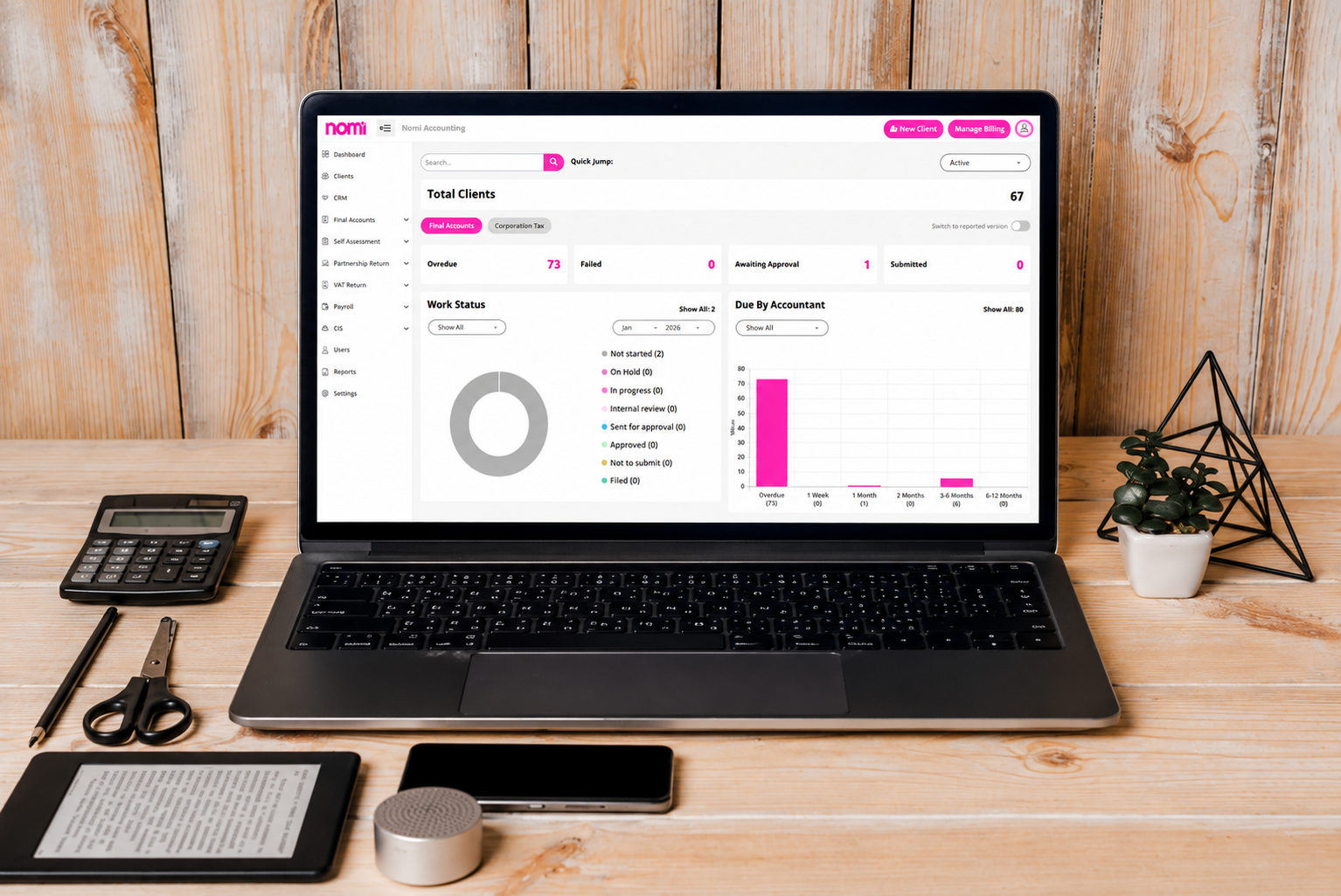
4. Keep every client’s progress visible
During Self Assessment season, it is easy for outstanding client information to get lost among emails and spreadsheets.
A good workflow should make it possible to see which returns are:
-
- Awaiting client information
- Being prepared
- Awaiting review
- Awaiting approval
- Ready for submission
- Submitted
- Requiring further action
This becomes particularly important when several members of the team are working on Self Assessment returns.
Nomi’s Self Assessment software includes task and staff management, allowing firms to assign work, monitor progress and manage client deadlines from the platform.
That gives practice managers and accountants greater visibility of the workload during busy filing periods.
5. Make client approval easier
Getting a completed return approved can create another delay, particularly when clients have to print, sign, scan and return documents.
Digital approval and eSignature functionality can remove some of these manual steps.
For clients, this means they can complete important steps without having to print paperwork or visit the accountant’s office.
For accountants, it means fewer documents to chase and a clearer record of the approval process.
6. Review returns before submitting them
Automation does not remove the need for professional review.
Even when information has been imported, or calculations have been automated, accountants should check the figures and ensure the return contains the information required for the individual client.
Self Assessment software can support this process by bringing client information, calculations and return data together in one system.
7. Submit returns directly to HMRC
Once the return has been prepared and approved, the final step is submitting it to HMRC.
HMRC confirms that agents can use commercial software to submit clients’ Self Assessment tax returns online. HMRC also maintains a list of commercial software suppliers that support Self Assessment submissions.
8. Keep track of deadlines and outstanding work
The Self Assessment deadline is not the only date an accounting practice needs to consider.
For the 2026/27 tax year, for example, the tax year runs from 6 April 2026 to 5 April 2027. The online Self Assessment filing and payment deadline for that tax year is 31 January 2028. HMRC also has separate registration and paper filing deadlines.
For practices managing large numbers of clients, relying on individual calendar reminders or spreadsheets can make deadline management harder.
Nomi combines Self Assessment with task and workflow management, allowing firms to assign tasks, monitor progress and track client work from one platform.
How Nomi helps accountants manage Self Assessment
Nomi’s Self Assessment software is designed for UK accountants and bookkeepers who manage tax returns for multiple clients.
It brings client information collection, HMRC data integration, tax preparation, workflow management, digital approvals and HMRC submission together within one platform.
With Nomi, accountants can:
-
- Collect client information using digital tax questionnaires
- Import available information from HMRC
- Manage Self Assessment and partnership tax returns
- Connect relevant bookkeeping, payroll and accounts data
- Assign tasks to staff and track progress
- Manage client documents
- Request digital signatures
- Review and prepare returns
- Submit returns directly to HMRC
- Manage multiple clients from one system
The benefit is not simply having another tool for filing tax returns. It is having a connected workflow for managing the work that happens before, during and after filing.
Ready to make Self Assessment easier for your clients?
Switch to Nomi or start a free 30-day trial and see how Nomi can fit into your firm’s Self Assessment workflow.
Want to find out more?
Book a free 30-day trial and see how our accounting software can help you manage staff, increase profitability and take your practice to the next level.

Quarterly business review template for accountants and their clients
A quarterly business review (QBR) helps accountants and clients review financial performance, assess business goals...
Read More

Month-end close checklist: How Automation cuts hours for UK SMEs
Month-end close can take days when finance teams have to chase invoices, enter transactions, reconcile...
Read More

How to Apply for VAT Exemption in the UK
To apply for VAT exemption in the UK, your business must meet HMRC’s conditions and...
Read More
What accountants should actually look for in practice management software
As an accounting practice grows, managing the work around accounting can become as challenging as...
Read More