
What is a Government Gateway User ID and how to get it
 Team Nomi
6 minutes read
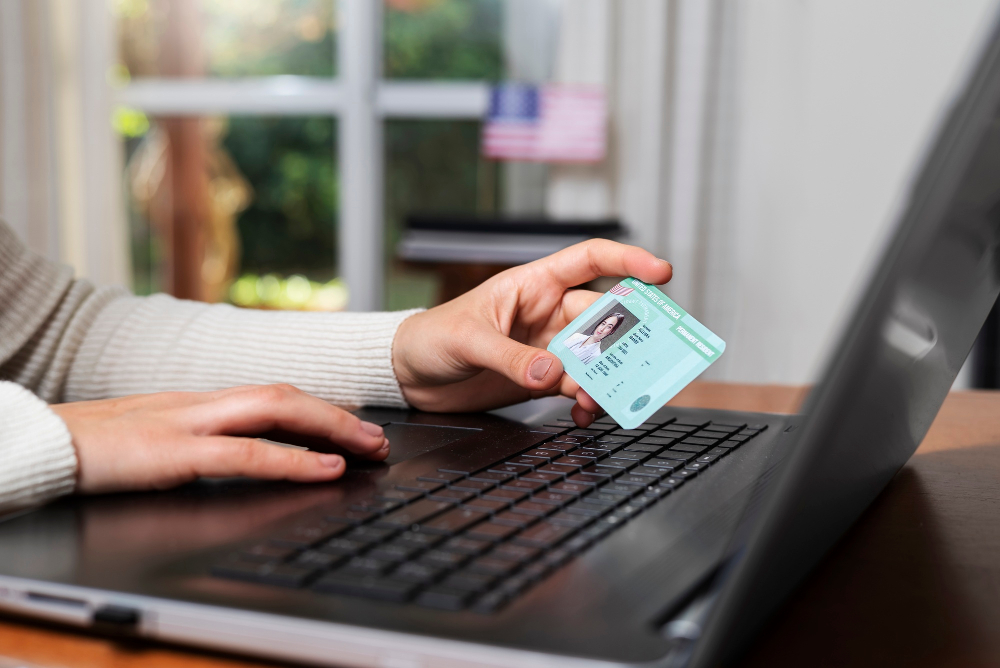
A Government Gateway user ID is a secure 12-digit number used to access online UK government services. It acts as your secure login and helps you manage tasks such as filing Self Assessment returns, checking tax records, submitting VAT returns, and handling business taxes online.
In this blog, you will learn what a Government Gateway user ID is, why you need it, how to create one, and what to do if you have problems signing in.
What is a Government Gateway user ID?
A Government Gateway user ID is a secure 12-digit number used to access online UK government services, such as the HMRC and Self Assessment. It acts as your login credential and helps verify your identity when using government portals online.
You may use your Government Gateway user ID to access services such as the following:
-
- Self Assessment tax returns
- Personal tax account
- VAT services
- Corporation Tax
- PAYE for employers
- Construction Industry Scheme (CIS)
- Making Tax Digital (MTD) services
- Business tax accounts
These small steps can help avoid access issues later.
Why do you need a Government Gateway user ID?
A Government Gateway user ID is a secure 12-digit digital key used to verify your identity and access essential UK government services online. It allows you to manage tax-related activities quickly and securely without paper forms or phone calls.
Individuals may use it to:
-
- File Self Assessment returns
- View tax records
- Check National Insurance information
- Manage tax codes
- Claim tax refunds
Businesses may use it to:
-
- Submit VAT returns
- Manage payroll
- Access Corporation Tax services
- Complete employer reporting
- Connect accounting software with HMRC
Without a Government Gateway account, access to many HMRC digital services is limited.
What do you need to create a Government Gateway user ID?
Before starting registration, prepare the following:
| Information | Why You May Need It |
| Email address | Account setup and verification |
| Mobile phone | Security codes |
| Full legal name | Identity confirmation |
Depending on the service, HMRC may request additional details to verify your identity.
How to get a Government Gateway user ID
You can get a Government Gateway ID by registering online through the GOV.UK HMRC Online Services website. During registration, you will need to enter your email address, create a password, and confirm your identity using personal or business details.
Follow these steps:
Step 1: Go to HMRC online services
Visit the HMRC online services sign-in page and select “Create new sign in details”. HMRC will guide you through the available sign-in options.
Step 2: Enter your email address
Provide a valid email address.
HMRC sends a confirmation code to verify ownership.
Step 3: Confirm your email
Enter the code received in your inbox.
Step 4: Enter your personal details
Add your
-
- Full name
- Required identity details
- Tax-related information if requested
Step 5: Create a password
Choose a strong password and store it securely.
Step 6: Receive your Government Gateway user ID
Once registration is complete, Once registration is complete, HMRC generates your user ID instantly.
Or
If you register for Government Gateway, HMRC will provide your user ID as part of the registration process. Keep it somewhere secure, as you may need it when signing in again.
Step 7: Set up additional security
Choose how to receive verification codes:
-
- Text message
- Voice call
- Authentication app
Two-step verification helps protect your account.
Where can you find your Government Gateway user ID?
If you already created an account but forgot your ID, try these options:
| Method | What to Check |
| Previous HMRC emails | Confirmation emails |
| Saved documents | Registration records |
| Password manager | Stored credentials |
| HMRC signing in recovery | Recover user ID online |
HMRC offers account recovery if your user ID or password is lost.
How to solve common Government Gateway problems
- Forgotten User ID: Use HMRC’s account recovery process.
- Forgot Password: Select the password reset option during sign in.
- Didn’t Receive Security Code
Try:
-
- Text message again
- Voice call option
- Authenticator app
- Account Locked: If you enter the wrong sign-in details too many times, your account will be locked. HMRC says it will unlock automatically after two hours.
- Identity Verification Failed
Check:
-
- Name matches official records
- Address is updated
- National Insurance details are correct
- Documents are current
Government Gateway vs GOV.UK one login
Many people confuse Government Gateway and GOV.UK One Login because both are used to access online government services. However, they work slightly differently.
| Government Gateway | GOV.UK One Login |
| Traditional sign-in system used for HMRC services | Newer sign-in system for UK government services |
| Uses a Government Gateway user ID and password | Uses an email address and password |
| Commonly used for tax-related services | Being introduced across more government services |
HMRC currently supports both sign-in methods depending on the service you want to access. If you already have a Government Gateway account, you can continue using your existing login details where supported.
Tips to keep your Government Gateway account secure
-
- Save your user ID in a secure place
- Use a strong password
- Enable two-step verification
- Avoid sharing login details
- Update contact details when they change
These small steps can help avoid access issues later.
Conclusion
A Government Gateway user ID is an important part of managing taxes and government services online in the UK. Once created, it gives secure access to HMRC accounts and reduces the need for paperwork and manual processes.
If you do not already have one, setting up a Government Gateway account only takes a few minutes and can make managing tax obligations much easier.
Disclaimer: This blog is for informational purposes only and should not be considered tax, financial, or professional advice.
Frequently asked questions
- Is a Government Gateway user ID the same as an HMRC account?
Ans: No. The user ID is your login credential, while the HMRC account gives access to online tax services.
- How long does it take to get a Government Gateway ID?
Ans: Most users receive it immediately after completing registration, although some services may need additional activation.
- Can I have more than one Government Gateway account?
Ans: In some cases, individuals and businesses may use separate accounts depending on the service setup.
- Is a Government Gateway account free?
Ans: Yes. Creating and using a Government Gateway account is free.
- Can I access HMRC without a Government Gateway ID?
Ans: Some services allow GOV.UK One Login, but many HMRC services still use Government Gateway credentials.
Want to find out more?
Book a free 30-day trial and see how our accounting software can help you manage staff, increase profitability and take your practice to the next level.
How AML software helps accountants in accounting practices
Anti-money laundering (AML) checks are an important part of running an accounting practice in the...
Read More

How Bookkeeping Software Helps with VAT Submissions – [Full Guide]
Managing VAT can take time, especially when you handle bookkeeping, bank transactions, invoices, and VAT...
Read More
How to convert a PDF to CSV: A practical guide for UK businesses
PDF files are useful for sharing and viewing information, but they are not always convenient...
Read More

Making Tax Digital for Accountants: A Practical Guide for 2026/27
Making Tax Digital (MTD) for Income Tax is now live. Since 6 April 2026, sole...
Read More