Nomi Product Updates and Latest Features of April 2026
 Team Nomi
6 minutes read

April 2026 brings a range of important updates across Nomi, focused on improving usability, automation, and overall efficiency. These enhancements are designed to simplify day-to-day workflows for accountants and businesses while ensuring better accuracy and control. From smarter bookkeeping features to improved reporting and compliance updates, each improvement aims to deliver a smoother user experience. Here’s a detailed look at what’s new and improved this month.
Bookkeeping software updates
This month’s updates focus on improving visibility, control, and efficiency across key bookkeeping workflows. Enhancements include better email tracking, a more intuitive reimbursement interface, and improved reporting insights.
Read-Only Functionality Implementation
This functionality introduces email read tracking across the bookkeeping module, enabling users to know when recipients interact with emails. The system marks an email as “Read” only when the recipient clicks a link within it, recording the date and time while avoiding duplicate logs.
This feature extends existing invoice link tracking to all email templates, including invoices, credit notes, reminders, reports, and bulk emails. A read filter and icon improve visibility, and all activities are logged in the Communication section.
Additionally, enhancements to auto-email settings allow users to control whether invoice PDFs are attached via a pop-up when enabling auto email. A new “Auto Email for Repeat Invoice” setting automates email sending based on customer email availability, with similar attachment options.
These improvements provide better tracking, transparency, and control over email communications across multiple workflows.
Expense Reimbursement UI Revamp
This update enhances the Expense Reimbursement module with a redesigned, user-friendly interface and improved functionality to streamline reimbursement management.
The new layout introduces horizontal filters, tab-based navigation (Expense, Allowance, Personal Payments, and Mileage), and a centralised display of the total amount for better visibility. Users can efficiently add one or more entries, with improved validation for fields such as amount and description to ensure data accuracy.
The system also strengthens import and export capabilities, including stricter CSV validations, a structured mapping and preview process, and detailed Excel exports with separate sheets for each category.
UI improvements include better alignment across screen resolutions, ellipsis handling for long text, and enhanced supplier selection during bill conversion.
Additionally, document upload functionality has been improved for mileage entries, supporting multiple file types with seamless preview and replacement options.
Overall, these enhancements aim to deliver a faster, more intuitive, and consistent reimbursement experience.
Customer/Supplier Fluctuation Report Enhancement
This functionality introduces the Customer Fluctuation Report, enabling users to analyse and compare customer-wise sales across two periods.
It provides clear insights into business performance by highlighting growth, decline, stability, and identification of new or inactive customers. The report calculates current and previous period sales, along with the difference and percentage change, while handling edge cases such as zero values to ensure accurate reporting.
Users can filter data using predefined or custom date ranges, with flexible comparison options such as monthly, quarterly, and yearly views. The report supports sorting across all columns and includes pagination for efficient navigation through large datasets.
Designed for performance and scalability, the system uses optimised data processing to handle high volumes of transactions. Additionally, users can export the report in Excel or PDF format, maintaining the same structure as displayed on screen for consistency and ease of analysis.
Payroll software updates
This month’s payroll updates focus on simplifying benefits reporting and improving accuracy within payroll processes. The addition of payrolled benefits ensures a more streamlined and efficient experience for users.
Expenses & Benefits
Payrolled benefits have been added this month. Users can now report benefit amounts directly through payroll instead of using separate processes.
This makes reporting easier, faster, and more accurate. It also helps ensure benefits are included with salary calculations, reducing errors and saving time for both employers and employees.
Final Accounts software updates
This month’s updates focus on improving usability, reporting access, and compliance within the Final Accounts module. Enhancements aim to streamline workflows, improve navigation, and ensure alignment with the latest regulatory requirements.
FA Agent Dashboard Enhancement – Reported Version Toggle
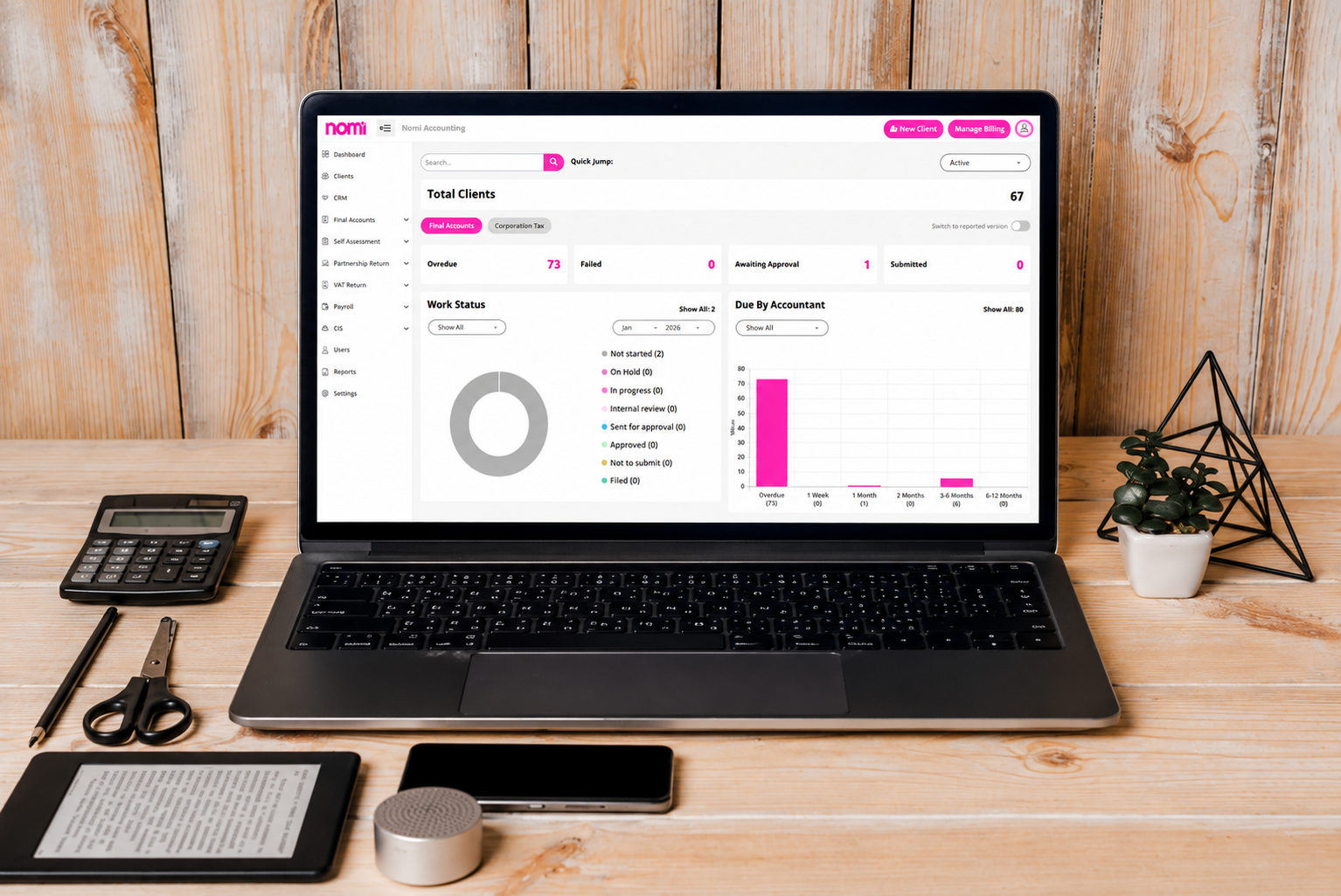
The FA Agent Dashboard has been enhanced with a new toggle option that allows users to switch seamlessly to the Reported Version view.
This improvement provides direct access to detailed final accounts reports from the progress metrics section, making it easier to review reporting status and outstanding actions without navigating through multiple screens.
Additionally, users can now assign accountants directly within the report view, improving workflow efficiency, reducing manual steps, and enabling faster task ownership and resolution for accounting teams managing multiple client submissions.
Companies House Integration Updated for 2026 FRC Taxonomy Suite
The Companies House integration has been updated to fully support the 2026 FRC Taxonomy Suite, ensuring compliance with the latest statutory reporting standards and validation requirements.
This enhancement allows Final Accounts and CT600 submissions to align with the newest taxonomy structure introduced for regulatory filings. Users will benefit from improved submission accuracy, reduced validation errors, and smoother filing experiences.
The update also ensures compatibility with current Companies House and HMRC expectations, helping firms stay compliant with evolving UK financial reporting requirements.
FA Client Dashboard UI Revamp
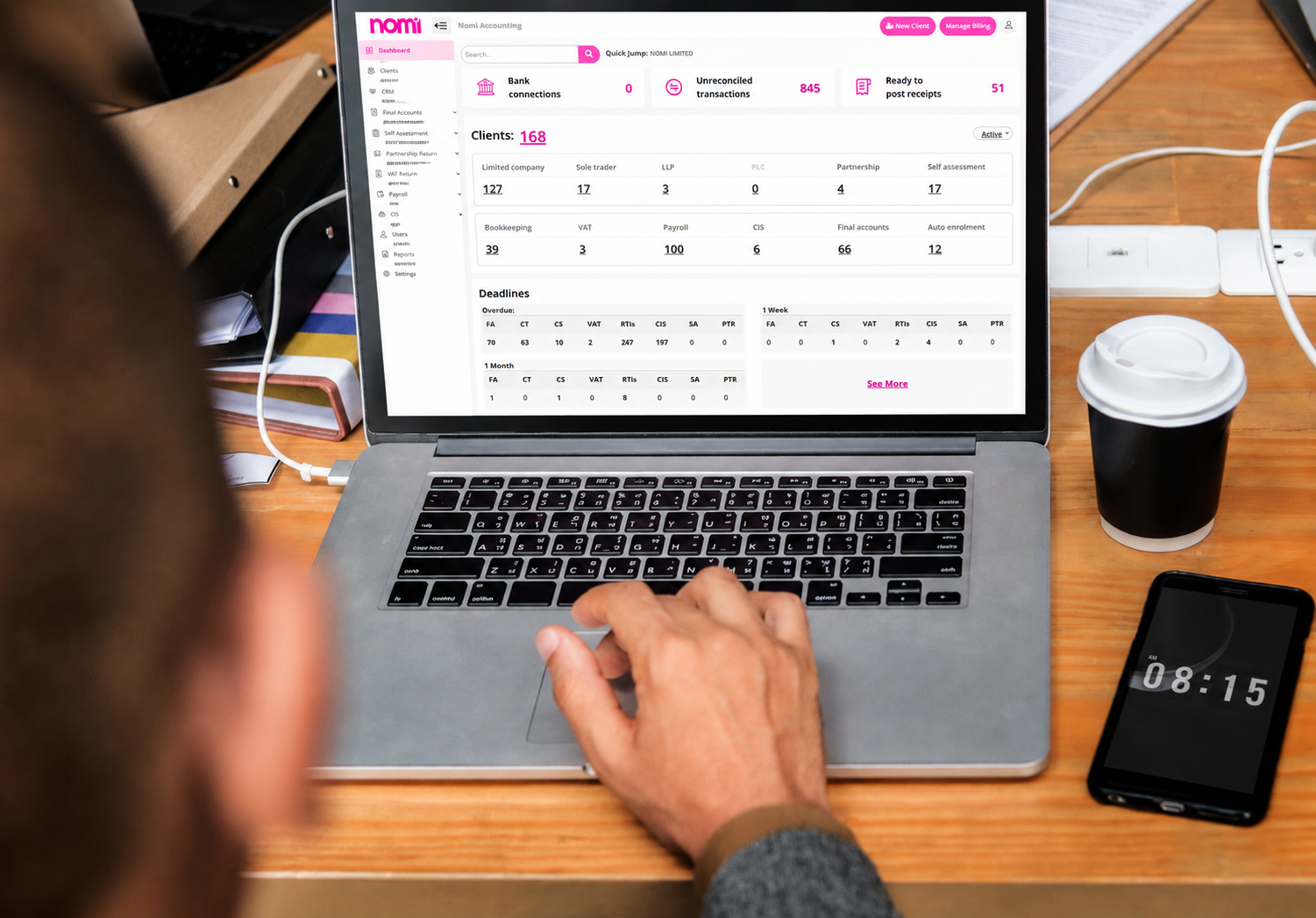
The FA Client Dashboard has been visually revamped to provide a cleaner, more modern, and user-friendly interface.
The updated design improves overall navigation and creates a more intuitive experience for users managing client accounts and reviewing financial information. With a refreshed layout, better spacing and improved visual structure, allowing users to interact with the dashboard more efficiently and comfortably.
This UI enhancement focuses on improving the look and feel of the platform while maintaining the same core functionality, ensuring a smoother and more professional user experience.
Notes Templates Revamp – Usability and Layout Improvements
The Notes Templates section has been revamped with improved usability and a cleaner layout to provide a smoother and more efficient user experience.
The updated design makes it easier to create, review, and manage note templates with better structure, improved spacing, and clearer visual organization. Navigation within the templates is now more intuitive, helping users quickly locate and update the required content.
This enhancement focuses on simplifying day-to-day operations while maintaining existing functionality, delivering a more polished and user-friendly interface for template management.
Self-Assessment software updates
This month’s updates focus on improving integration, automation, and overall efficiency within the Self-Assessment module. Enhancements aim to streamline data flow, reduce manual work, and provide a more accurate and user-friendly experience.
MTD ITSA-BK Linking
In April 2026, a key deliverable focused on enabling seamless integration between MTD ITSA and bookkeeping systems, significantly improving data flow and reducing manual entry or record-keeping.
This enhancement provided customers with more accurate, real-time financial information and a more streamlined experience.
Additional updates across SA and MTD modules improved usability, reporting, and automation, including enhanced dashboards, refined tax summaries, automated HMRC token refresh, and improved data handling across services.
Together, these improvements increased efficiency, reduced errors, strengthened system reliability, and delivered a smoother, more intuitive experience for customers managing their tax and MTD ITSA across multiple workflows and compliance requirements.
Want to find out more?
Book a free 30-day trial and see how our accounting software can help you manage staff, increase profitability and take your practice to the next level.

Month-end close checklist: How Automation cuts hours for UK SMEs
Month-end close can take days when finance teams have to chase invoices, enter transactions, reconcile...
Read More

How to Apply for VAT Exemption in the UK
To apply for VAT exemption in the UK, your business must meet HMRC’s conditions and...
Read More
What accountants should actually look for in practice management software
As an accounting practice grows, managing the work around accounting can become as challenging as...
Read More
Tax Practice Management Software: Features & Benefits
Practice management software helps accounting firms manage clients, tasks, deadlines, documents and daily workflows in...
Read More