
How to Find a Company’s VAT Number
 Team Nomi
6 minutes read
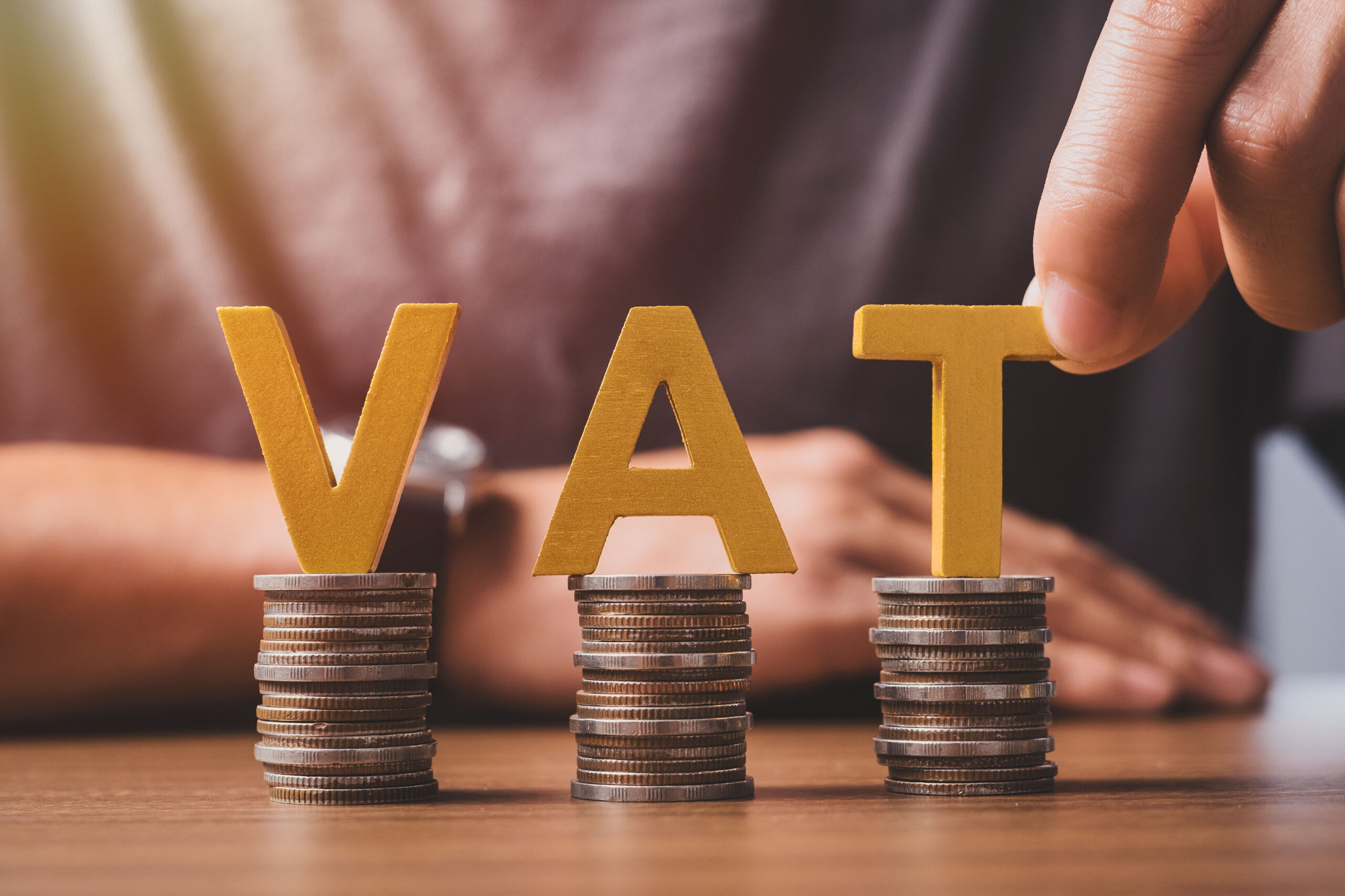
Value Added Tax (VAT) is a consumption tax charged on most goods and services in the UK. Businesses registered for VAT receive a unique VAT registration number that must appear on invoices and official documents.
If you need to find a VAT number, it is usually on company invoices, official documents, or the business website. Knowing how to find a company’s VAT number helps ensure invoices are valid, VAT is charged correctly, and your business remains compliant with tax rules.
In this guide, we explain how to find a company’s VAT number, check the validity of a VAT registration number, and confirm whether a business is VAT registered.
What is VAT?
Value Added Tax (VAT) is a tax applied to most goods and services sold. Businesses add VAT to the selling price and collect it on behalf of the government.
The tax is charged at different stages of production and distribution, but the final cost is paid by the consumer. VAT collected by businesses must be reported and paid to HM Revenue & Customs (HMRC) through regular VAT returns.
Businesses whose turnover exceeds the VAT registration threshold must register for VAT and obtain a VAT registration number.
What is a VAT Registration Number?
A VAT registration number is a unique identifier issued by HMRC or the relevant tax authority when a business registers for VAT.
This number is used to:
-
- Identify businesses for VAT reporting
- Appear on invoices and receipts
- Confirm a company is authorised to charge VAT
If you need to check whether a company is VAT registered, its VAT number is the key piece of information for confirming this.
Knowing how to find the VAT registration number of a company can help ensure that invoices are legitimate and VAT claims are valid.
Importance of VAT for Businesses
A VAT number plays an important role in business operations.
1. Legal Compliance
Businesses that exceed the VAT threshold must register for VAT and obtain a VAT number to comply with tax laws.
2. Tax Collection
VAT-registered businesses collect VAT from customers and pass it to HMRC.
3. Input Tax Recovery
Businesses can reclaim VAT paid on eligible business expenses, reducing their overall tax cost.
4. Business Credibility
Displaying a VAT number on invoices increases trust with suppliers, partners, and customers.
5. International Trade
A VAT number helps manage VAT correctly in cross-border EU transactions and ensures compliance when trading internationally.
How to Find a Company VAT Number
If you need to find a VAT number by company name or verify a supplier, several reliable methods are available.
Check the invoices or official documents
The easiest way to find a VAT number is by reviewing invoices, receipts, or contracts. VAT-registered businesses must display their VAT number on official documents.
Use Online VAT lookup tools
Online databases allow you to check the validity of a VAT registration number.
Examples include:
-
- HMRC VAT number checker
- VIES (VAT Information Exchange System)
These tools help confirm whether a company is VAT-registered.
Search the company website
Many businesses display their VAT number on their website footer, terms and conditions, or legal pages.
Contact the Company
If you cannot find the number online, you can request it directly from the business’s finance or accounts department.
Contact HMRC
If other methods fail, HMRC may assist with VAT verification.
HMRC VAT Helpline: 0300 200 3700
Opening hours: Monday to Friday, 8 AM – 6 PM.
Use business directories
Some company databases and directories may include VAT details. These can help if you want to find a VAT number by company name.
Validating a VAT Number
Once you have found a company’s VAT number, it is important to confirm that it is valid.
Why Validate a VAT Number?
Validating a VAT number helps:
-
- Confirm the business is legally registered
- Prevent fraud
- Ensure VAT is applied correctly
Many businesses check VAT registration number details before issuing invoices or claiming VAT refunds.
How to Validate a VAT Number Using VIES
The VAT Information Exchange System (VIES) allows you to verify VAT numbers issued in the EU.
Steps to validate:
- Visit the VIES VAT validation website
- Select the country where the business is registered
- Enter the VAT number
- Click “Verify.”
- View the result showing whether the VAT number is valid
If valid, the system may also display the registered business name and address.
Recording Proof of VAT Validation
It is good practice to keep records of VAT validation checks.
You can:
-
- Take a screenshot of the verification result
- Save the details for compliance records
- Record the date and time of validation
This documentation may help during tax audits.
Common Issues When Checking VAT Numbers
Invalid VAT Number
Double-check for typing errors or missing digits. If the number still appears invalid, contact the business directly.
System Not Available
Occasionally, the VIES system may be temporarily unavailable. If this happens, try again later or verify through national tax authorities.
How to Reclaim VAT
VAT-registered businesses can recover VAT paid on business purchases.
To reclaim VAT:
-
- Ensure your business is VAT registered
- Keep accurate VAT invoices and receipts
- File VAT returns through HMRC
- Claim input VAT on eligible expenses
- Submit returns before the deadline
Correctly reclaiming VAT can improve cash flow and reduce tax costs.
VAT Software for Accountants
Managing VAT returns can be time-consuming, especially when handling multiple clients. Nomi VAT MTD software for accountants helps simplify the process by enabling direct digital submissions to HMRC.
Key benefits include the following:
-
- Automated VAT calculations
- Real-time updates
- Easy submission under Making Tax Digital (MTD) rules
- Simple dashboard for managing multiple clients
You can try Nomi with a free trial or book a demo to see how the software improves VAT compliance and reporting for your accounting practice.
Frequently Asked Questions
- How to view a company’s VAT number?
Ans. You can view a company’s VAT number on their invoices, receipts, or contracts, or sometimes on their website. VAT-registered businesses are required to display this number on official documents. - How can I get a VAT number for a company?
Ans. You can request the VAT number directly from the company or check it using online tools such as the HMRC VAT checker or the EU VIES VAT database. - How can I check if someone is VAT registered online?
Ans. You can check whether a business is VAT-registered by entering its VAT number in the HMRC VAT checker or the VIES VAT validation system. - How to check if a company is VAT registered without a VAT number?
Ans. If you do not have the VAT number, you can ask the company directly or search business records such as invoices, contracts, or company websites where VAT numbers are often listed.
Want to find out more?
Book a free 30-day trial and see how our accounting software can help you manage staff, increase profitability and take your practice to the next level.

How to File the SA800 Partnership Tax Return Online
The SA800 Partnership Tax Return is a requirement for UK partnerships, and submitting it accurately...
Read More
EPS Submission to HMRC: Process & Deadlines 2026
Struggling with EPS submissions to HMRC or unsure if you’re doing it correctly? Many businesses...
Read More
Best Payroll Automation Software: Features & How It Works
Payroll processing is one of the most time consuming administrative tasks for any business. Errors,...
Read More
Accounts Payable vs Accounts Receivable
Every business deals with two types of money: the money it owes and the money...
Read More