
Scan Receipts with OCR for Smarter Expense Management
 Team Nomi
7 minutes read
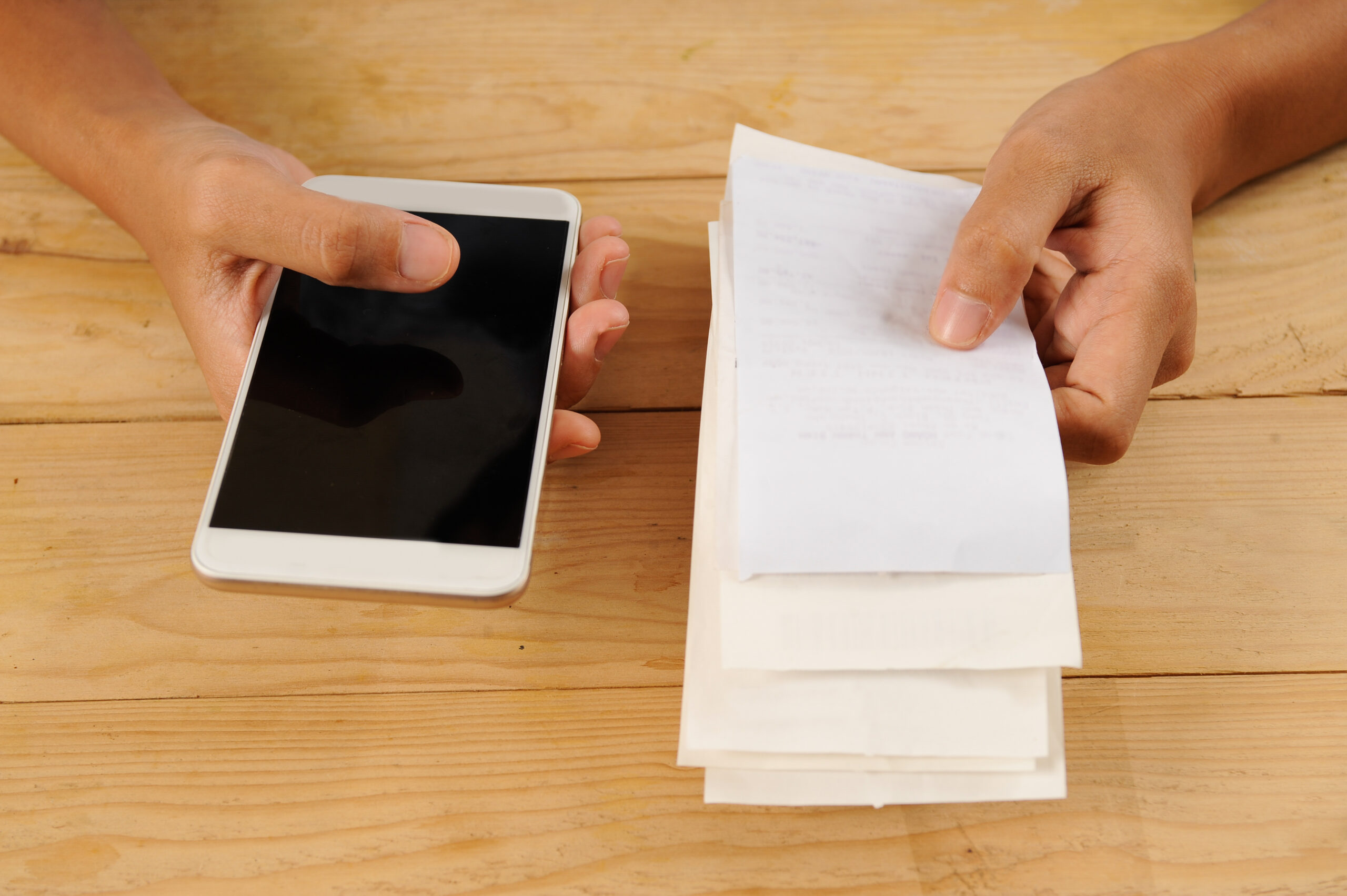
Scanning receipts has become essential to modern financial management, especially for individuals and businesses looking to streamline bookkeeping processes. With the rise of receipt scanning technology and receipt scanning OCR, users can easily capture and digitise receipts, making it simpler to track expenses.
OCR stands for Optical Character Recognition, which converts printed text into digital data. This means that once a receipt is scanned using receipt OCR or an OCR receipt scanner, the information can be automatically extracted and organised by bookkeeping software.
By utilising receipt scanning and OCR bookkeeping tools, you can save time, reduce errors, and improve your overall financial tracking. This innovative approach supports OCR expense management, simplifies expense tracking, and increases your ability to maintain accurate records for tax purposes.
What is OCR Technology?
OCR Technology, or Optical Character Recognition, is a transformative tool that converts printed text from documents, such as receipts, into machine-readable data. This technology plays a crucial role in bookkeeping OCR systems by automating the extraction of essential information, making it easier for businesses and individuals to manage expenses.
When you scan a receipt using OCR technology, the software analyses the image to identify and extract key data points, including:
-
- Date of transaction
- Total amount spent
- Vendor details
- Items purchased
This automation significantly reduces the need for manual data entry, which is often prone to errors. By integrating OCR with bookkeeping software, including OCR bookkeeping solutions, users can ensure that financial records in Bookkeeping For Small Business are accurate and up-to-date.
Overall, OCR technology increases efficiency in managing receipts and expenses, strengthening OCR expense management processes while allowing users to focus on more critical aspects of financial management.
Benefits of Using Mobile Apps for Receipt Scanning
Mobile apps for receipt scanning offer significant benefits, particularly through the use of receipt scanning OCR technology, making it easier to manage receipts on the go. This convenience means you can capture receipts anytime, anywhere, directly from your smartphone using an integrated OCR receipt scanner.
Key Benefits of Using Mobile Apps for Receipt Scanning:
-
- Instant Access: Mobile receipt scanning allows you to capture and store receipts immediately after a purchase. This eliminates the need to keep physical copies, reducing the risk of losing important documents.
- Time-Saving: OCR technology automatically extracts key information such as date, vendor, and amount from scanned receipts. This automation significantly speeds up data entry compared to manual input, making OCR bookkeeping faster and more efficient.
- Organised Records: With a mobile app, all your scanned receipts are stored digitally in one place. This makes it easy to search for specific receipts or generate expense reports whenever needed.
- Integration with Bookkeeping Software: Receipt-scanning apps smoothly integrate with popular bookkeeping software. This integration allows for automatic syncing of data, improving overall OCR expense management accuracy.
- Improved Accuracy: By using receipt OCR technology, the chances of human error are reduced. The app captures data directly from the receipt, ensuring that your records are precise and reliable.
Mobile apps for receipt scanning not only increase convenience and accessibility but also strengthen bookkeeping OCR systems through advanced automation.
How Clients Can Raise Invoices and Scan Receipts
Clients can efficiently manage finances by raising invoices and scanning receipts using OCR technology. Whether using invoice scanning OCR technology or receipt OCR features, this process simplifies bookkeeping and ensures accuracy in tracking expenses.
Step 1: Download the Mobile App
Start by downloading a reliable bookkeeping software app that supports invoice scanning OCR technology and receipt scanning capabilities.
Step 2: Scan Receipts Using OCR Technology
-
- Access the Scanning Feature: Locate the receipt scanning option within the app.
- Capture the Receipt: Use your mobile device’s camera to take a clear photo of the receipt. Ensure good lighting for better accuracy.
- Automatic Data Extraction: The OCR receipt scanner will automatically read and extract relevant information, such as date, amount, transaction details, and vendor details, from the scanned receipt.
Step 3: Review and Save
-
- Verify Information: Check that the data extracted by the OCR is accurate. Make any necessary adjustments.
- Save Your Records: Once verified, save the invoice and scanned receipt in your bookkeeping OCR system for easy access later.
By following these steps, clients can effectively raise invoices and manage receipts using OCR bookkeeping, making financial tracking simpler and more efficient.
Nomi’s Bookkeeping Software for Receipt Management
Nomi offers a powerful mobile app designed to increase your bookkeeping experience, especially through its innovative OCR receipt scanner and receipt OCR capabilities.
With the integration of advanced invoice scanning OCR technology, users can effortlessly scan and digitise receipts, transforming them into editable digital records. This feature significantly reduces the time spent on manual data entry and strengthens OCR expense management.
Key features of Nomi’s mobile app include:
-
- User-Friendly Interface: The app is designed for simplicity, allowing users to navigate easily while managing finances.
- Real-Time Receipt Scanning: Capture receipts instantly using your smartphone camera, with receipt scanning OCR ensuring that all relevant data is extracted accurately.
- Invoice Management: Clients can raise purchase invoices directly within the app, supported by invoice scanning OCR technology for seamless processing.
- Cloud-Based Accessibility: Being cloud-based means that your financial data is securely stored and accessible from anywhere, making bookkeeping OCR more flexible and efficient.
By using Nomi’s receipt scanning capabilities, users can integrate this functionality seamlessly with bookkeeping software. This not only simplifies expense management but also positions Nomi as a powerful OCR bookkeeping solution for businesses and individuals alike.
Best Practices for Managing Expenses with Scanned Receipts
Managing expenses with scanned receipts becomes even more efficient when supported by structured OCR expense management systems. By using receipt scanning OCR technology, you can ensure that your financial records are organised and easily accessible.
- Create Folders by Category: Set up digital folders in your bookkeeping software for different expense categories, such as travel, meals, and office supplies.
- Use Descriptive File Names: When saving scanned receipts, use clear and descriptive file names that include the date and type of expense.
- Regularly Review Your Receipts: Schedule a time each week or month to review scanned receipts and confirm accurate categorisation within your bookkeeping OCR system.
- Utilise OCR Technology: Take full advantage of OCR features in your receipt scanning app. An advanced OCR receipt scanner automatically extracts key information from receipts, reducing manual entry errors.
- Back-Up Your Data: Regularly back up your scanned receipts to a secure cloud storage service to protect your financial data.
By following these practices, you can maximise the benefits of OCR bookkeeping and improve overall financial control.
Managing your expenses has never been easier with our mobile receipt scanning solution, powered by advanced receipt scanning OCR and fully integrated with bookkeeping software. If you have questions or need more information, feel free to connect with us.
We offer a 30-day free trial package that allows you to explore the full capabilities of our software and see how it can simplify your financial management. With Nomi’s OCR receipt scanner, when you review and upload a purchase receipt, it automatically attaches as a document to the corresponding purchase invoice. This seamless integration increases OCR expense management, simplifies audits, and improves overall bookkeeping OCR efficiency.
Try Nomi today to experience firsthand how our OCR bookkeeping features can transform your financial workflow.
Frequently Asked Questions
1. Is OCR receipt scanning secure?
Ans: Yes. Most OCR bookkeeping software, including Nomi, uses encrypted cloud storage to keep your financial data safe and protected.
2. Does OCR work with different receipt formats?
Ans: Yes. Receipt OCR can scan various formats, including retail receipts, restaurant bills, and supplier invoices.
3. Can I use OCR receipt scanning for VAT records?
Ans: OCR expense management tools help capture VAT amounts clearly, making it easier to prepare VAT returns accurately.
4. Can Nomi’s OCR receipt scanner match receipts to invoices automatically?
Ans: When you upload a receipt, it can automatically attach to the related purchase invoice for better record keeping.
5. Can I access my scanned receipts from different devices?
Ans: Yes. Because Nomi is cloud-based, you can securely access your receipts and invoices from any device with internet access.
Want to find out more?
Book a free 30-day trial and see how our accounting software can help you manage staff, increase profitability and take your practice to the next level.
When do Making Tax Digital (MTD) quarterly returns start?
From April 2026, many self-employed individuals and landlords will move to quarterly reporting under Making...
Read More

What changes for landlords in 2026? – [Rules & Dates]
2026 is an important year for landlords in the UK. Along with new tenancy rules...
Read More
All in One Accounting Software for Accountants
Accountants today need more than simple bookkeeping tools. They need software that can handle tax,...
Read More

Companies House Filing Rules Changes from April 2028
The way UK companies file their annual accounts is about to change, and many businesses...
Read More