
How to Register for VAT – Step-by-Step Guide
 Team Nomi
6 minutes read
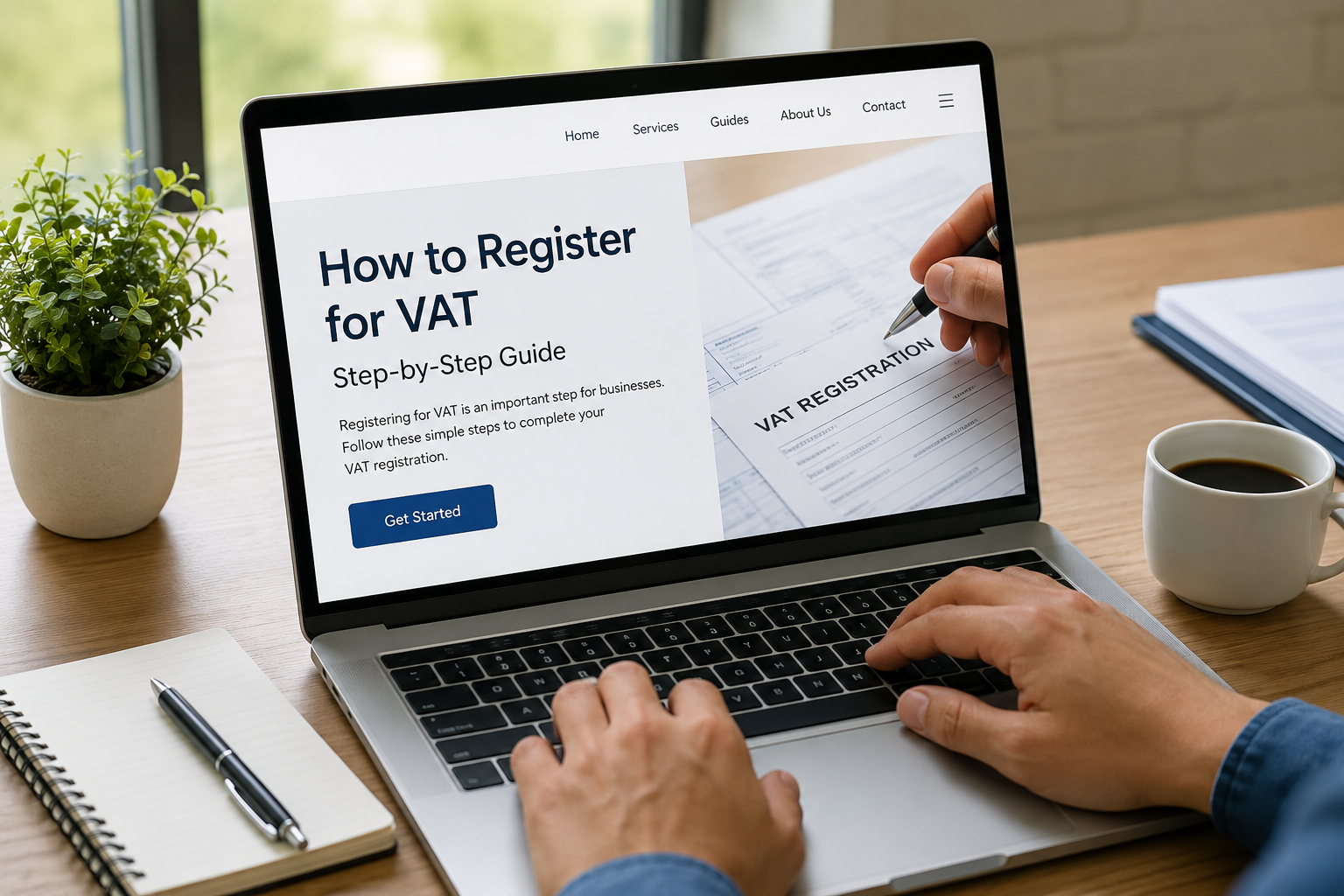
If you run a business, understanding how to register for VAT is essential. Whether you are a limited company director, a start-up founder, or self-employed, VAT registration affects how you charge customers and report to HMRC.
With MTD for VAT now in effect, most businesses must submit their VAT returns digitally. In most cases, you register for VAT by applying online through the HMRC website, submitting your business details, and receiving your VAT number once approved.
What is VAT and Who Needs to Register?
Value Added Tax (VAT) is a tax added to most goods and services in the UK. Businesses collect VAT from customers and pass it to HMRC.
You must register if your VAT taxable turnover exceeds the threshold (currently £90,000) in any rolling 12-month period this is based on your total sales, not your profit. Even if your turnover is lower, you can still choose online VAT registration voluntarily. This can improve your business image and allow you to reclaim VAT on expenses.
Many small businesses ignore early registration, but this can hold them back. Clients often prefer working with VAT registered companies, especially in B2B sectors.
How to Register for VAT Online
If you are unsure how to register for VAT, the good news is that the process is now fully digital and fairly simple. However, small mistakes can delay your application, so it is important to follow each step carefully.
Step 1: Create a Government Gateway Account
To begin your online VAT registration, go to the official HMRC website and create a Government Gateway account. If you already use HMRC services (such as Corporation Tax or PAYE), you can use the same login details.
This account will be used to manage your VAT returns and communication with HMRC going forward.
Step 2: Gather Your Business Information
Before you start the application, make sure you have all the required details ready. This will save time and help you avoid errors. You will typically need:
-
- Your business name, address, and contact details
- Company registration number (for limited companies)
- Unique Taxpayer Reference (UTR)
- Bank account details
- Details of your turnover and the date you crossed the VAT threshold
Step 3: Complete the VAT Application Form
Log in to your HMRC account and register for VAT online by completing the application form. You may also need to choose a VAT scheme (such as the Standard Scheme or Flat Rate Scheme), depending on your business type.
Take your time while filling in the form. Even small mistakes, such as incorrect dates or turnover figures, can prompt HMRC to request further information.
Step 4: Submit Your Application and Wait for Approval
Once submitted, HMRC will review your application. In most cases, it takes 10-30 working days, though it may take longer if additional checks are required.
During this time, HMRC may contact you for more details. Responding quickly helps avoid delays in receiving your VAT number.
Step 5: Receive Your VAT Number and Start Charging VAT
After approval, HMRC will send you your VAT registration certificate, which includes your VAT number and the effective date of registration.
From this date, you must:
-
- Charge VAT on your sales
- Issue VAT-compliant invoices
- Keep proper digital records
- Submit VAT returns, usually every quarter
When Should You Register for VAT?
Timing matters when deciding to register. You must notify HMRC within 30 days of the end of the month in which your taxable turnover went over the £90,000 threshold. You must also register if you realise your turnover will cross the £90,000 mark in the next 30 days alone. Missing this VAT and MTD deadline can lead to fines from HMRC.
You should also consider registering early if:
https://www.nomi.co.uk/blog/vat-and-mtd-deadlines/
-
- You work with VAT-registered clients
- You want to reclaim VAT on purchases
- You want to build a more professional image
Many new company owners wait until they are forced to register, which can create pressure and last-minute errors.
Can You Register for VAT by Post?
Yes, you can register for VAT by post, but only in limited cases where you cannot use the online system.
To do this, you need to complete a VAT1 form and send it to HMRC by post. The process is slower and may require extra documents. For most businesses, it is quicker and easier to register for VAT online.
Benefits of VAT Registration
Registering for VAT supports your business growth, reduces costs, and improves credibility and financial management.
-
- Reclaim VAT on expenses: Recover VAT on purchases like equipment and software.
- Improve credibility: VAT registration shows your business is established, attracting larger clients.
- Be ready for growth: Early registration avoids last-minute pressure and penalties.
- Better financial management: Regular VAT reporting keeps records organised and provides a clear view of finances.
VAT Schemes You Can Choose From
It is important to choose the right VAT scheme for your business. The scheme you select affects how you report and pay VAT.
- Standard VAT Scheme: The most common VAT scheme. You charge VAT on sales and reclaim VAT on purchases, submitting returns quarterly.
- Flat Rate Scheme: Designed for small businesses. Instead of calculating VAT on every transaction, you pay a fixed percentage of your turnover. This can make accounting easier.
- Cash Accounting Scheme: The Cash Accounting Scheme allows you to pay VAT only when your customers pay you, helping with cash flow.
Conclusion
Registering for VAT is an essential step for any business approaching the turnover threshold or aiming to grow. Understanding how to register for VAT, choosing the right scheme, and staying compliant not only keeps your business on the right side of HMRC but also helps you reclaim VAT, improve your credibility, and maintain better financial management.
Using VAT software can simplify your VAT reporting, help manage invoices, and ensure your submissions to HMRC are accurate and timely. Start your free trial today and take control of your VAT obligations with a reliable VAT tool that makes all the difference.
Frequently Asked Questions
1. How much does it cost to register for VAT?
Ans. Registering for VAT with HMRC is free; there are no charges for applying.
2. Can I register for VAT without an accountant?
Ans. Yes, you can register directly online through HMRC without an accountant.
3. Does a small business need to be VAT registered?
Ans. Only if your taxable turnover exceeds the VAT threshold (£90,000 per year); below that, registration is optional.
4. Is it worth becoming VAT-registered?
Ans. It can be beneficial for claiming VAT back on business expenses and appearing credible to clients, but it depends on your business model.
5. What happens if I don’t register for VAT?
Ans. If your turnover exceeds the threshold and you don’t register, you may face fines and backdated VAT charges.
Want to find out more?
Book a free 30-day trial and see how our accounting software can help you manage staff, increase profitability and take your practice to the next level.
When do Making Tax Digital (MTD) quarterly returns start?
From April 2026, many self-employed individuals and landlords will move to quarterly reporting under Making...
Read More

What changes for landlords in 2026? – [Rules & Dates]
2026 is an important year for landlords in the UK. Along with new tenancy rules...
Read More
All in One Accounting Software for Accountants
Accountants today need more than simple bookkeeping tools. They need software that can handle tax,...
Read More

Companies House Filing Rules Changes from April 2028
The way UK companies file their annual accounts is about to change, and many businesses...
Read More